
Wan 2.7 Video Generator
Create a text-led shot across five aspect ratios, or animate a first and optional last frame. The workspace supports 720p and 1080p with a focused five-, ten-, or fifteen-second control set.
Choose Wan 2.7 when framing flexibility and prompt cleanup matter. Keep prompt enhancement on for rough briefs; turn it off when exact wording is part of the test.
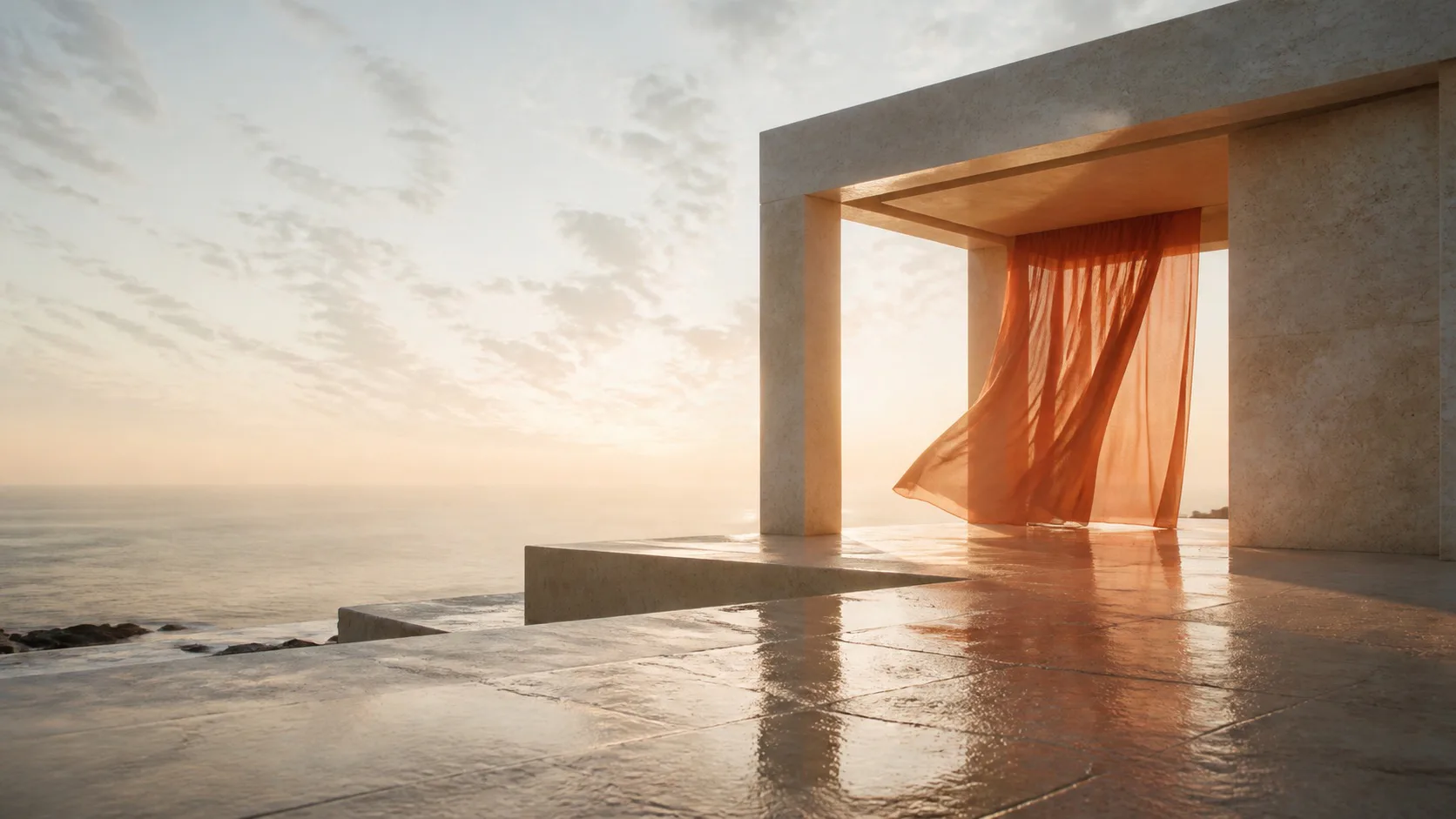
Site-made visual reference · not model output
Workspace modes
Text · First/last frame
Dedicated text and image request adapters.
Output
720p · 1080p
Resolution is explicit before generation.
Text ratios
5 aspect ratios
16:9, 9:16, 1:1, 4:3 and 3:4.
Direction
Prompt enhance
Optional rewriting plus a negative prompt.
Advanced direction
No separate audio control for this model
This shot: 20 credits
Billed per output second; the charge reflects resolution, duration and optional audio.
Wan 2.7
Add direction, confirm the compatible settings, then generate your first take.
720p · 5s · 16:9
About $1.32/video using the Starter pack; $9.90 paid upfront covers 7 complete videos at these settings. Videos are not sold individually. Credits and pricing
Selection rule
Where Wan 2.7 fits best
Wan 2.7 is a practical choice for campaigns that need the same idea reframed across landscape, portrait, square and 4:3 families. Text-to-video exposes those ratios directly; image-to-video follows the supplied frame.
Its prompt extension can turn a compact brief into richer visual direction. For a controlled comparison, disable it so the submitted wording remains the independent variable.
- Create landscape and portrait variants from the same shot plan.
- Use a last frame when a product or character must land in a precise composition.
- Put artifact risks such as flicker or unreadable text in the negative prompt.
- Begin at 720p before committing 1080p credits.
Product controls
What the Wan adapter sends
| Control | Text to video | Image to video |
|---|---|---|
| Prompt | Required | Required |
| Negative prompt | Optional | Optional |
| Resolution | 720p or 1080p | 720p or 1080p |
| Aspect ratio | Five choices | Follows source frame |
| Prompt enhancement | On or off | On or off |
| Watermark | Disabled by product adapter | Disabled by product adapter |
Prompt patterns
Use one subject, one change and one camera move
Vertical social shot
9:16 portrait. A pastry chef places a mirror-glazed cake beneath a warm pass light. Slow handheld push in, subtle steam, stable hands and cake geometry, realistic kitchen reflections, no labels or on-screen text.
First and last frame
The fabric moves in a single clean wave from the opening arrangement to the final frame. Locked camera, soft side light, realistic material weight, no extra objects, no color shift, no flicker.
Model choice
When to choose another model
| Need | Model to consider | Reason |
|---|---|---|
| Optional generated sound | Kling 3.0 or Seedance 2.5 | Both expose an audio toggle here. |
| Dedicated reference workflow | Seedance 2.5 | Separate visual-reference input mode. |
| 2K option | MiniMax H3 | The current H3 adapter exposes 2K. |
| Fast multi-image tests | Grok Imagine 1.5 | Up to seven image inputs at current product resolutions. |
Common questions
Is Wan 2.7 available for real generation here?+
Yes. Wan 2.7 is preselected in the generator above for both text and image workflows. You need an account with enough credits.
Which Wan 2.7 durations are exposed?+
The upstream API accepts 2–15 seconds. This product currently offers 5, 10 and 15 seconds to keep selection and credits predictable.
What does Enhance prompt do?+
It sends Wan's prompt_extend option. Keep it enabled for terse briefs; disable it when you need a controlled wording test.
Can Wan 2.7 generate audio here?+
This interface does not expose a generated-audio switch for Wan 2.7. The upstream text endpoint accepts an optional external audio URL, which is not part of the current product workflow.
Sources reviewed
- Kie.ai — Wan 2.7 text-to-video API
- Kie.ai — Wan 2.7 image-to-video API
- Alibaba Cloud — Wan 2.7 model announcement
The page separates Wan 2.7 upstream ranges from the discrete controls exposed in this product. Verify the selected settings and credits before submission.
Frame one Wan 2.7 test
Choose the target aspect ratio first, then describe one subject, one change and one camera move.