
Grok Imagine Video 1.5 Generator
Turn text or a small visual set into a fast video experiment. This workspace exposes 480p and 720p with five-, eight-, ten-, or fifteen-second takes and up to seven image inputs.
Choose Grok Imagine 1.5 for fast concept exploration and multi-image direction. Treat the preview model as an iteration tool, then compare the strongest shot with a higher-resolution workflow if needed.
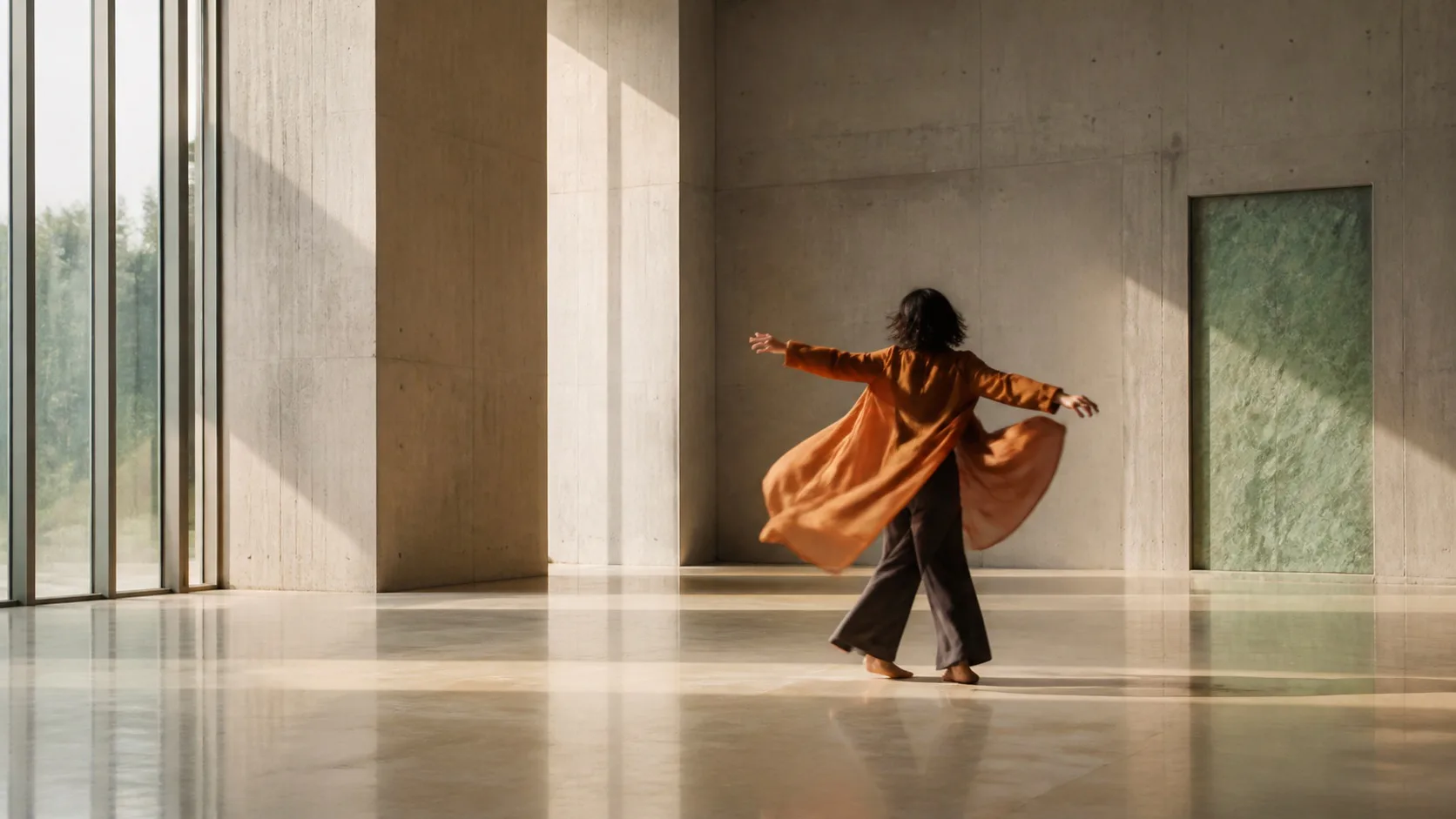
Site-made visual reference · not model output
Workspace modes
Text · Multi-image
One prompt with up to seven visual inputs.
Product output
480p · 720p
1080p is not exposed in this release.
Duration
5 · 8 · 10 · 15 seconds
Discrete choices inside the 1–15 second API range.
Status
Preview
Model behavior and availability may change.
The model generates audio automatically; the provider may omit an audio track in some cases.
This shot: 8 credits
Billed per output second; the charge reflects resolution, duration and optional audio.
Grok Imagine Video 1.5
Add direction, confirm the compatible settings, then generate your first take.
720p · 8s · 16:9
About $0.53/video using the Starter pack; $9.90 paid upfront covers 18 complete videos at these settings. Videos are not sold individually. Credits and pricing
Selection rule
Where Grok Imagine Video 1.5 fits best
Grok Imagine Video 1.5 is useful early in the creative process: social concepts, storyboard motion, mood tests and quick visual combinations where iteration speed matters more than maximum resolution.
Multiple images can supply a compact visual vocabulary. Keep the set coherent—subject, environment and one material or style reference—rather than uploading seven unrelated pictures.
- Use text-only mode to explore a shot before preparing references.
- Use two to four related images for clearer visual direction.
- Start at 480p for disposable motion tests.
- Re-test a keeper in another model when final resolution or sound controls matter.
Product versus upstream
A deliberately focused preview surface
| Control | Available here | Upstream note |
|---|---|---|
| Resolution | 480p or 720p | Kie also documents 1080p; it is not priced or exposed here yet. |
| Duration | 5, 8, 10 or 15 seconds | API range is 1–15 seconds. |
| Images | Up to seven | At 1080p upstream allows only one image. |
| Aspect | Five text-led choices | Image-led requests derive composition from inputs. |
| Audio | No separate control | The current product adapter sends no audio option. |
Prompt patterns
Use references as roles, not a collage
Concept motion
A translucent orange raincoat hangs in a concrete gallery. A controlled gust lifts the hem as the camera makes a slow half-circle; sharp material reflections, soft daylight, stable coat construction, quiet atmospheric motion.
Multi-image direction
Use the images for the same cyclist, the night market environment and the wet chrome material language. Track beside the cyclist through one turn; keep face, jacket and bicycle consistent, realistic crowd parallax, no logos or text.
Model choice
When the preview is not the final tool
| Requirement | Consider | Why |
|---|---|---|
| 1080p plus sound toggle | Kling 3.0 | Both are exposed together in its adapter. |
| 2K output option | MiniMax H3 | The H3 workspace exposes 2K. |
| Prompt enhancement | Wan 2.7 | Its adapter exposes rewrite and negative prompt controls. |
| Dedicated reference workflow | Seedance 2.5 | It separates reference-led generation from first-frame mode. |
Common questions
Is Grok Imagine Video 1.5 actually connected here?+
Yes. Grok Imagine Video 1.5 is preselected in the generator above. It is a preview model, and you need an account with enough credits.
Why is 1080p missing?+
Kie documents 1080p, but the current product exposes only 480p and 720p until its site credit pricing and end-to-end behavior are verified.
Can I use seven images?+
The uploader and API adapter allow up to seven public image URLs at the current product resolutions. A smaller, coherent set is usually easier to direct.
What does preview mean?+
The model name, behavior, pricing or availability may change more quickly than a stable release. Check the selected model and current controls before important work.
Sources reviewed
Kie labels this model as a preview. This site currently limits output controls to 480p and 720p while the upstream API also documents 1080p.
Make the first motion test disposable
Use 480p and a short take to find the idea before spending on the keeper.