
Kling 3.0 AI Video Generator
Direct a single shot from text or first and last frames. This workspace exposes Kling 3.0 standard 720p and pro 1080p modes, optional sound, and five-, ten-, or fifteen-second takes.
Choose Kling 3.0 when sound, camera movement and a controlled final frame matter. Start at 720p and five seconds; move to 1080p only after the motion works.
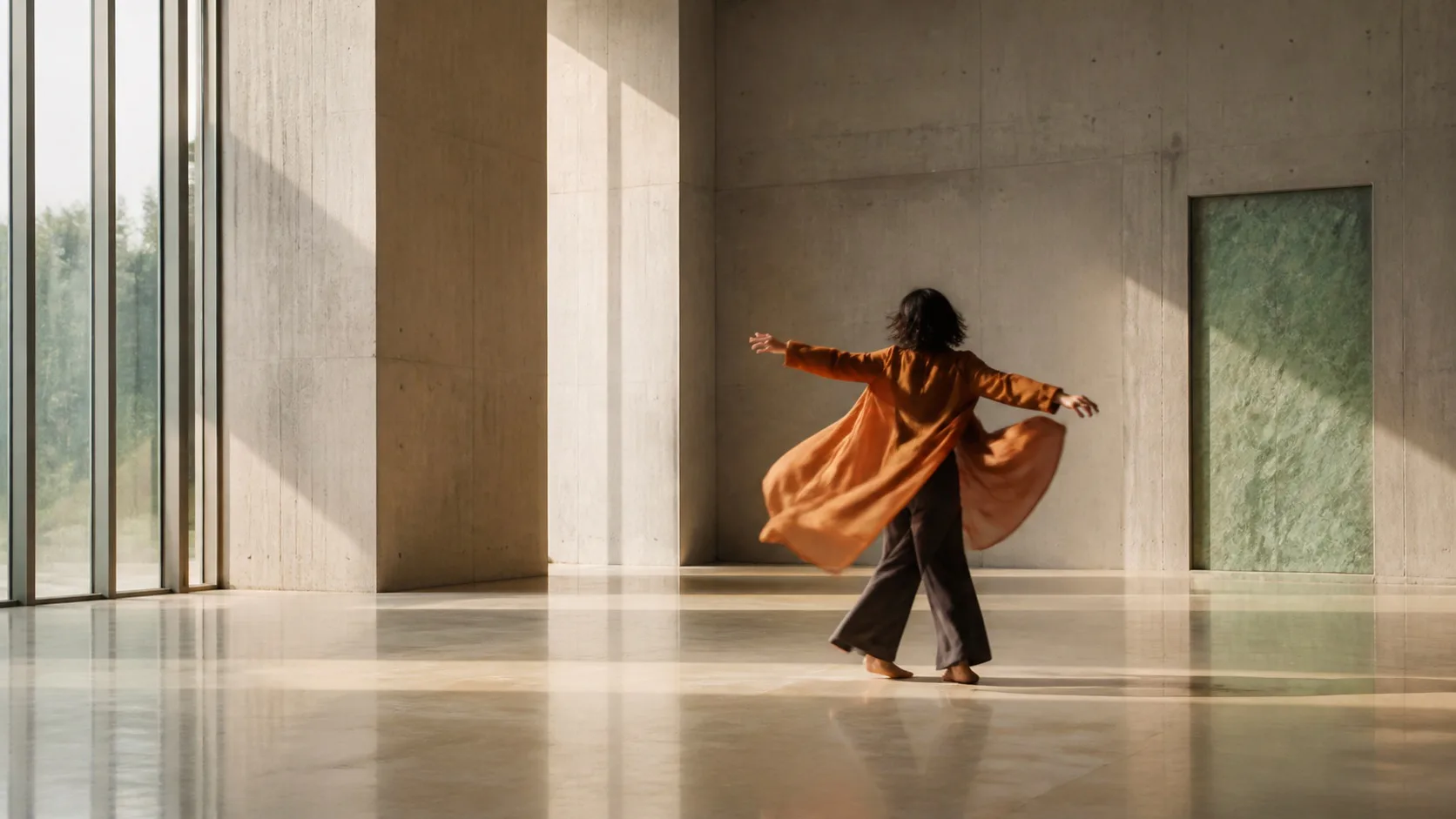
Site-made visual reference · not model output
Workspace modes
Text · First/last frame
Single-shot generation in the first release.
Output
720p · 1080p
Standard and pro mode mappings.
Duration
5 · 10 · 15 seconds
Selected from Kling's 3–15 second upstream range.
Sound
Optional
The credit total updates with the sound toggle.
This shot: 20 credits
Billed per output second; the charge reflects resolution, duration and optional audio.
Kling 3.0
Add direction, confirm the compatible settings, then generate your first take.
720p · 5s · 16:9
About $1.32/video using the Starter pack; $9.90 paid upfront covers 7 complete videos at these settings. Videos are not sold individually. Credits and pricing
Selection rule
Where Kling 3.0 fits best
Kling 3.0 is useful for shots where motion and sound need to be evaluated together: product reveals, short narrative beats, environmental action and social hooks with a clear camera move.
The workspace intentionally starts with single-shot mode. Kling's upstream multi-shot and element-reference systems add planning complexity and are not presented as product controls until they are implemented and tested end to end.
- Use text-to-video for composition and camera exploration.
- Use one frame to establish art direction and two frames to control the ending.
- Disable sound when the edit will receive a separate soundtrack.
- Use 1080p for a validated shot, not the first prompt experiment.
Product versus upstream
Controls available in this workspace
| Control | Available here | Practical effect |
|---|---|---|
| Mode | 720p standard or 1080p pro | Resolution maps to Kling's std/pro input. |
| Duration | 5, 10 or 15 seconds | Keeps cost and shot planning predictable. |
| Aspect | 16:9, 9:16 or 1:1 | Image-led shots follow the uploaded frame. |
| Sound | On or off | Changes both provider input and displayed product credits. |
| Multi-shot | Not exposed | The product currently submits one prompt as one shot. |
No 4K product claim
Kling documents a 4K upstream mode, but this workspace currently exposes only 720p and 1080p. An upscale or provider capability is not described as native site output.
Prompt patterns
Write for motion, timing and sound
Product reveal
A matte-black field recorder sits on a rain-darkened studio table. Slow 30-degree orbit as a narrow warm light travels across the controls; small droplets vibrate with a low bass pulse. Crisp product geometry, restrained room tone, no text overlays.
First and last frame
Move naturally from the opening frame into the final composition. The cyclist crosses the wet intersection as the camera tracks left at street level; headlights bloom softly in the rain, stable bicycle and rider anatomy, realistic traffic ambience.
Model choice
Kling 3.0 versus other models here
| Model | Choose it for | Current workspace distinction |
|---|---|---|
| Kling 3.0 | Sound-aware, directed single shots | 720p/1080p and optional sound |
| Seedance 2.5 | Reference-led shots and longer established controls | Dedicated reference workflow |
| Wan 2.7 | Flexible aspect ratios and prompt expansion | Negative prompt and prompt enhancement |
| MiniMax H3 | 2K-oriented text or frame motion | 768P/2K choices |
| Grok Imagine 1.5 | Fast multi-image experimentation | Low-cost 480p/720p tests |
Common questions
Is Kling 3.0 usable in this generator now?+
Yes. Kling 3.0 is preselected in the generator above. You need an account with enough credits.
Does Kling 3.0 generate sound here?+
Sound is an optional product control for Kling 3.0. The generate button recalculates the site credit charge when it is enabled.
Can I upload first and last frames?+
Yes. Upload one image for a start frame or two images for start and end composition. The uploaded frame determines aspect for image-led generation.
Is 4K available on this site?+
No. This product currently exposes 720p standard and 1080p pro output for Kling 3.0, even though upstream documentation also discusses a 4K mode.
Sources reviewed
Upstream capabilities can change. The preselected generator is the source of truth for the controls and product credit charge currently available here.
Direct one clean Kling take
Start with five seconds at 720p, verify the motion, then increase resolution or duration.