
MiniMax H3 Video Generator
Create text-led shots across six cinematic aspect ratios, or animate a first and optional last frame. This workspace exposes 768P and 2K with six-, ten-, or fifteen-second takes.
Choose MiniMax H3 when final-frame control or a 2K product option matters. Validate movement at 768P before paying for the 2K take.
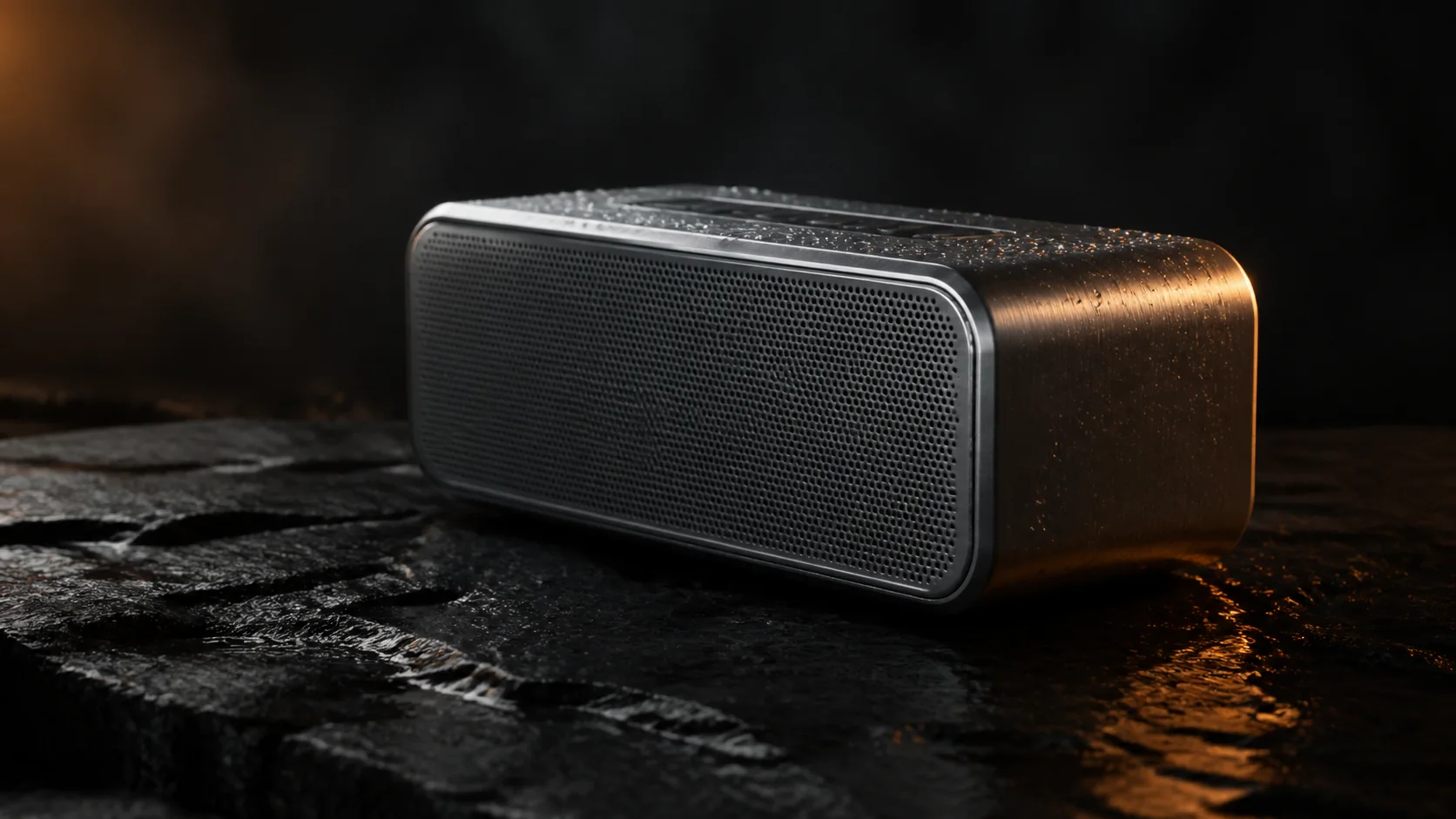
Site-made motion study · 6-second loop · not model output
Workspace modes
Text · First/last frame
Separate Kie task models for each workflow.
Output
768P · 2K
Exact upstream resolution values.
Duration
6 · 10 · 15 seconds
Selected from the supported 4–15 second range.
Text ratios
Six choices
Includes 21:9 and portrait formats.
The model generates audio automatically; the provider may omit an audio track in some cases.
This shot: 12 credits
Billed per output second; the charge reflects resolution, duration and optional audio.
MiniMax H3
Add direction, confirm the compatible settings, then generate your first take.
768P · 6s · 16:9
About $0.79/video using the Starter pack; $9.90 paid upfront covers 12 complete videos at these settings. Videos are not sold individually. Credits and pricing
Selection rule
Where MiniMax H3 fits best
MiniMax H3 fits shots that benefit from broad framing options or a controlled final composition: fashion motion, product transitions, scenic wides and character beats with a defined start or end.
For image-to-video, the frame supplies the aspect ratio. Text-to-video exposes 21:9, 16:9, 4:3, 1:1, 3:4 and 9:16 directly.
- Use 21:9 only when the composition has real horizontal action.
- Use a final frame to control where the motion resolves.
- Keep the prompt focused on the change between frames.
- Treat 2K as a final render choice after motion validation.
Product controls
MiniMax H3 inputs available here
| Control | Available here | Boundary |
|---|---|---|
| Resolution | 768P or 2K | Uses the exact case-sensitive Kie values. |
| Duration | 6, 10 or 15 seconds | Upstream supports integer values from 4 to 15. |
| Text aspect | 21:9, 16:9, 4:3, 1:1, 3:4, 9:16 | Required for text-to-video. |
| Frames | First plus optional last | At least one frame is required for image mode. |
| Reference model | Not exposed | The first release limits the UI to tested text and frame adapters. |
Prompt patterns
Describe the transition, not the still image
Ultra-wide atmosphere
21:9 cinematic wide. A lone electric train crosses a salt flat at blue hour; the camera pans slowly to keep pace as distant storm light rolls across the horizon. Stable train geometry, restrained atmospheric haze, realistic scale.
Frame transition
The model walks naturally from the opening pose into the final frame. Fabric catches one soft gust, camera remains locked, realistic cloth weight, consistent face and garment details, no new accessories.
Model choice
MiniMax H3 versus the workspace catalog
| Model | Resolution controls | Choose it when |
|---|---|---|
| MiniMax H3 | 768P / 2K | 2K or six aspect ratios matter |
| Kling 3.0 | 720p / 1080p | Optional sound matters |
| Wan 2.7 | 720p / 1080p | Negative prompt and enhancement matter |
| Grok Imagine 1.5 | 480p / 720p | Fast multi-image iteration matters |
| Seedance 2.5 | 480p / 720p | Dedicated reference generation matters |
Common questions
Can I generate MiniMax H3 video here now?+
Yes. MiniMax H3 is preselected in the generator above for both text and image workflows. You need an account with enough credits.
Is the 2K option an upscale?+
The product sends MiniMax H3's documented 2K resolution value directly. It does not label a separate post-process upscale as native output.
Why does image-to-video hide aspect ratio?+
MiniMax H3 uses the supplied first or last frame to determine the image-led composition, so a separate text aspect choice would be misleading.
Does MiniMax H3 expose audio here?+
No separate audio control is currently implemented for MiniMax H3 in this workspace.
Sources reviewed
- Kie.ai — MiniMax H3 text-to-video API
- Kie.ai — MiniMax H3 image-to-video API
- MiniMax — MiniMax H3 announcement
MiniMax and Kie capabilities may evolve. The generator above reflects the discrete inputs and product credits implemented and tested by this site.
Validate motion before the 2K take
Start at 768P with one clearly directed change, then increase resolution after the shot works.